VISITORSContact the studio
Technical Support
Help that knows where to go.
Find the fastest supported route for your question. Visitors can contact SoniqBrand directly, while signed-in clients can use private messages and tracked support tickets inside their account.
New to SoniqBrand? Create an account to unlock private client support tools after you sign in.


PUBLIC SUPPORT
Contact + self-service available
CLIENTSTracked support tickets
CONVERSATIONSPrivate Messages
Start with what you need.
Choose the closest issue type and the page will point you to the most useful existing support channel.
Four ways to get the right kind of help.
Use public contact for general questions, client tickets for trackable issues, Messages for available studio conversations, and Docs or Tutorial for self-service guidance.
Contact Us
Best for general, pre-sales or visitor questions that do not need private account context.
Open Contact UsSupport Tickets
Best for technical, billing, account and production issues that benefit from status tracking and a continuing record.
Sign in for supportMessages
Use available private studio or project conversations to keep discussion connected to your SoniqBrand workspace.
Sign in for MessagesDocs + Tutorial
Best when you want an immediate reference or a guided explanation of how SoniqBrand works.
Open DocsClient Access
Sign in to unlock account-level support.
Client support tools are connected to your account so ticket history, project context and private conversations stay organized in the correct workspace.
Private account-linked historyProject context where availableTicket status and replies
I am new to SoniqBrand
Create your account, complete any required activation, then sign in to access the client Support Center and account Messages.
Create an accountI already have an account
Sign in to open your private support tools and continue account-level help.
Sign in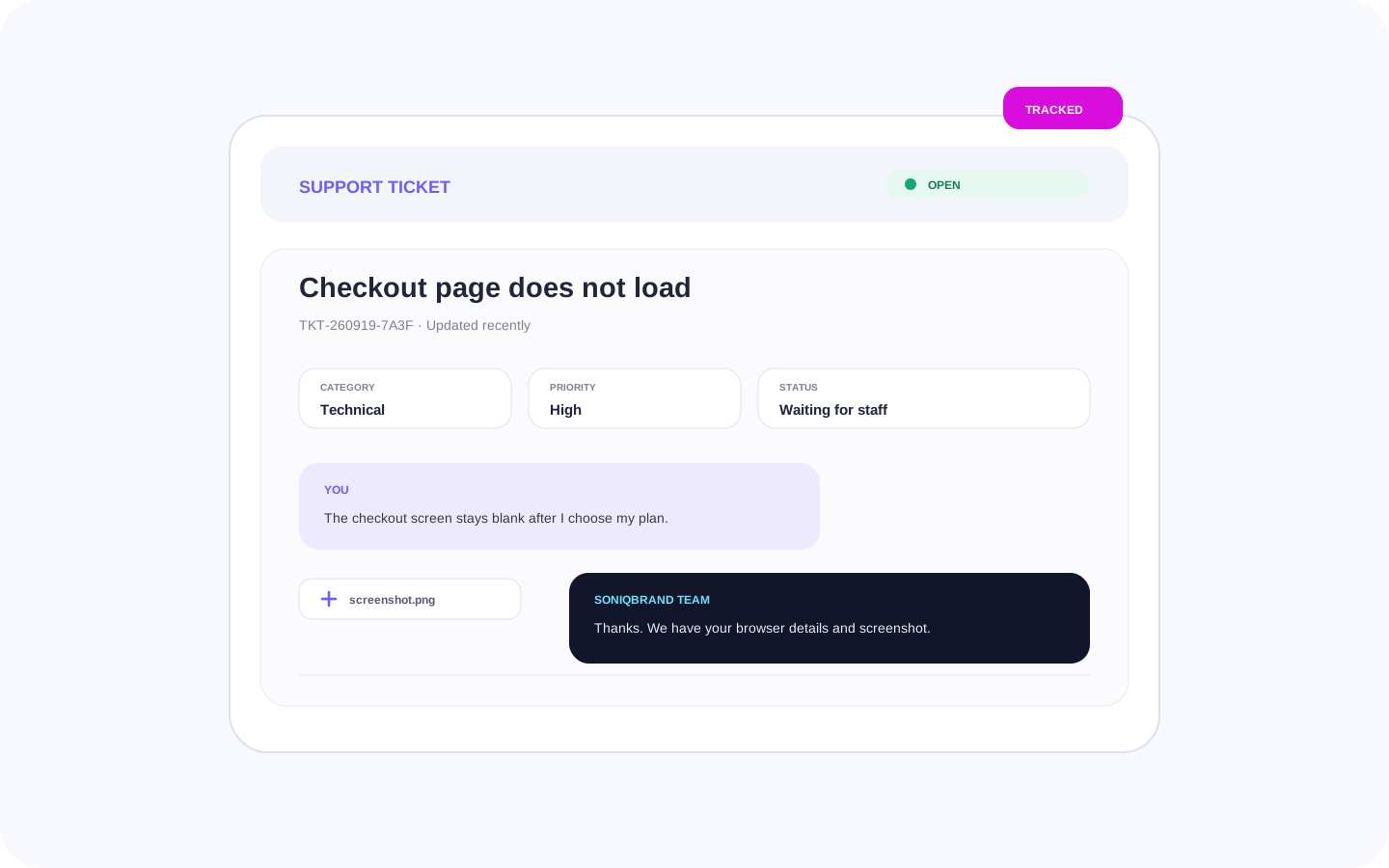

Tracked Support
Use a ticket when the issue needs a clear record.
The client Support Center lets you open and continue a ticket, choose a category and priority, track status, and attach supported images or audio when they help explain the issue.
CategoriesGeneral, billing, song / production, technical and account
PriorityLow, normal, high or urgent
AttachmentsSupported image and audio files up to the current 40 MB limit
TrackingOpen, waiting, resolved and closed states keep the conversation organized
Give the team the context that speeds up troubleshooting.
A precise report helps the team understand the problem without asking you to repeat the basics.
0 / 6 ready
Some answers are already one click away.
Use documentation for reference, Tutorial for guided learning, FAQs for common questions, or account recovery when you cannot sign in.
01
02
03
04
Documentation
Reference for Hybrid Studio, projects, plans, billing, delivery, licenses, rewards, account tools and more.
Tutorial
A guided path through the main SoniqBrand client workflow from preparation through delivery.
FAQs
Quick answers to common public questions before you need to contact the team.
Password recovery
Use the existing account recovery flow when you cannot sign in because you forgot your password.
Get Support
Choose your next support step.
Visitors can contact SoniqBrand or create an account for client access. Signed-in clients can open tracked support tickets and available private Messages.