Easy
Start with a streamlined brief that keeps the core creative choices focused.
See how your creative direction moves through a managed SoniqBrand production journey. Technology helps organize and accelerate the brief, while the studio team handles hands-on production, refinement, quality control, review and delivery.

Hybrid Studio gives you different ways to prepare the project direction. The amount of detail can change, but submitted projects enter the same managed studio workflow.
Start with a streamlined brief that keeps the core creative choices focused.
Shape genre, mood, style, instruments, vocals, references and production preferences in more detail.
Build a production brief around the musical identity when a vocal performance is not required.
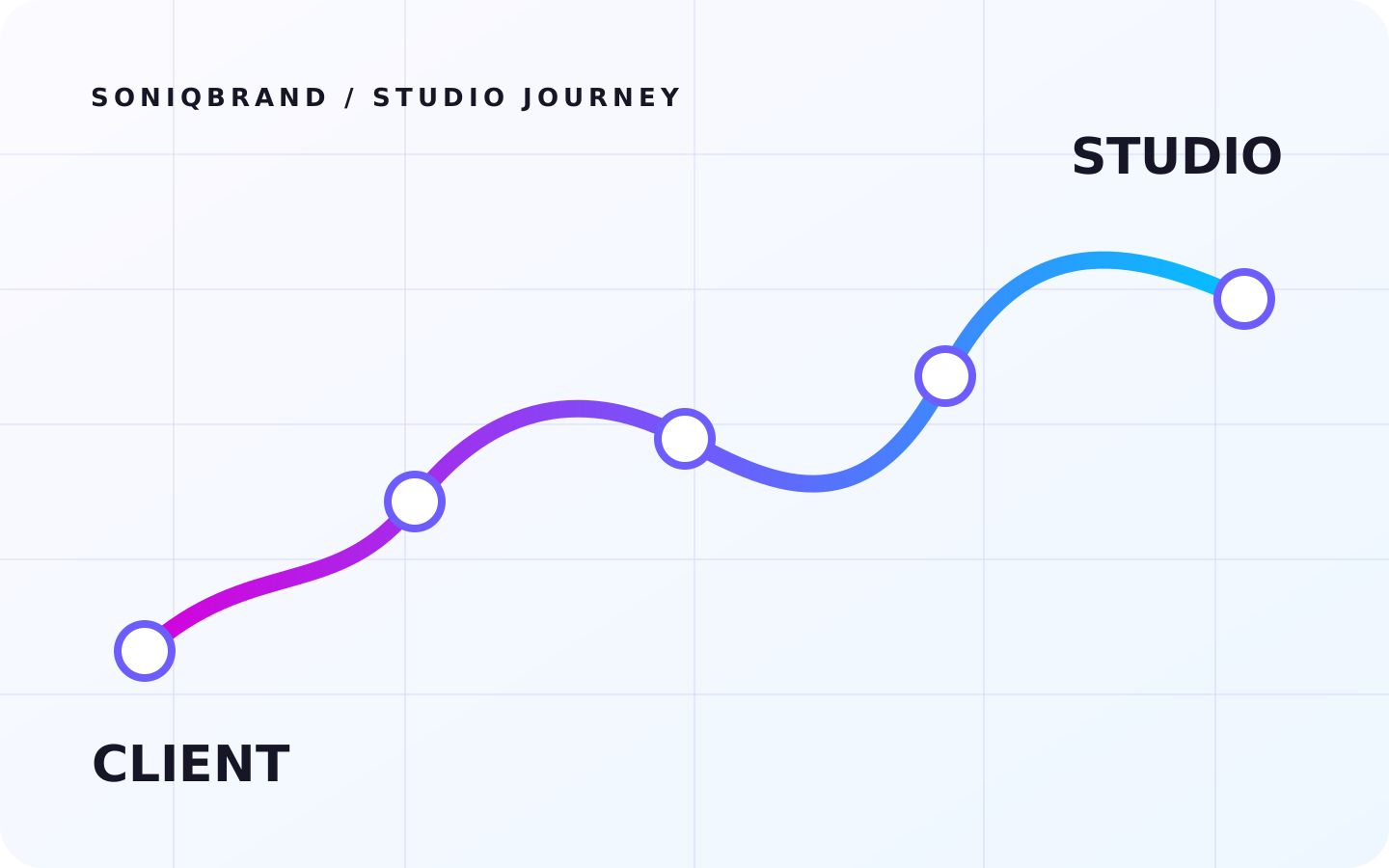
The client lane shows what you experience. The studio lane shows the work happening behind the scenes. The nine production stages used by SoniqBrand connect both sides from submission to completion.
Choose the brand context, genre, mood, Style Direction, instruments, lyrics or instrumental route, references, usage and other project details.
Your choices arrive as a production brief that gives the team the musical, commercial and brand context needed to begin.
The request enters your production queue and you can follow its status from your private project workspace.
The production team checks the request, confirms the direction and prepares the practical route into lyrics, production and vocals where applicable.
The project journey remains visible while the studio develops the song rather than presenting an instant one-click result.
The workflow can include lyrics preparation, arrangement, music production, editing and vocal production depending on the project brief.
Progress updates keep the production status clear while the music moves through finishing and quality control.
Balance, clarity, dynamics, playback translation and final quality are refined before the client review stage.
Listen to available versions, send revision notes when changes are needed, then access completed deliverables and licensing.
The studio handles revision requests, prepares approved final files and makes completed assets available in the client workspace.
When a delivered version needs an approved change, the client can send focused revision feedback and the studio can return a refined version through the same project workspace.
Listen to the delivered version in your private project area.
Send general feedback or connect the request to a specific version and timestamp.
The production team applies the approved revision request and prepares the next version.
Review the updated result and continue the loop only when another permitted revision is needed.
Completed projects can make produced files and commercial-license information available in the private client workspace. The exact set depends on what was produced and included for that project.


A practical compressed master when that deliverable is included.
High-quality master audio when produced for the project.
Music-only version when available.
Vocal-focused or vocal deliverable when produced.
Separated production elements when the project includes them.
Issued usage-rights documentation for eligible delivered projects.
Exact files and licenses depend on the project, package and items actually produced or issued.
Open Hybrid Studio to define the sound, submit your project and follow the production journey from brief through delivery.